SFINK
950XL and 951XL Ink Cartridges 4 Pack Compatible for HP950 and 951 XL Ink Cartridges Combo Pack Works with OfficeJet Pro 8600 8610 8620 Printers
950XL and 951XL Ink Cartridges 4 Pack Compatible for HP950 and 951 XL Ink Cartridges Combo Pack Works with OfficeJet Pro 8600 8610 8620 Printers
Couldn't load pickup availability
<b>950XL 951XL ink Cartridges Compatible for HP 950 951 ink cartridges</b>
<br /><br />
<b>📦Included inside the package:<br /></b>
1-Pack 950XL Black Ink Cartridge<br />
1-Pack 951XL Cyan Ink Cartridge<br />
1-Pack 951XL Yellow Ink Cartridge<br />
1-Pack 951XL Magenta Ink Cartridge<br /><br />
<b>📃Page Yield:<br /></b>
<b>2500</b> pages per 950XL Black ink cartridge<br />
<b>1800</b> pages per 951XL Cyan/Yellow/Magenta ink cartridge<br /><br />
<b>🖨️Compatible Printers:<br /></b>
● OfficeJet Pro Series<br />
8100 / 8600 / 8610 / 8620 / 8630 / 8640 / 8615 / 8625 / 8660 / 251dw / 271dw / 276dw<br /><br />
<b>✨Why choose SFINK?<br /></b>
●With the latest chips to ensure perfect compatibility with your printer<br />
●High-capacity printing can print 2X more than other cartridges.<br />
●High-precision printing, ensuring output quality.<br />
●High-quality materials, durable<br />
●Efficient Support: We offer comprehensive support to customers, from pre-sales consultation to post-sales service. We ready to answer any questions or address any concerns within 24 hours<br /><br />
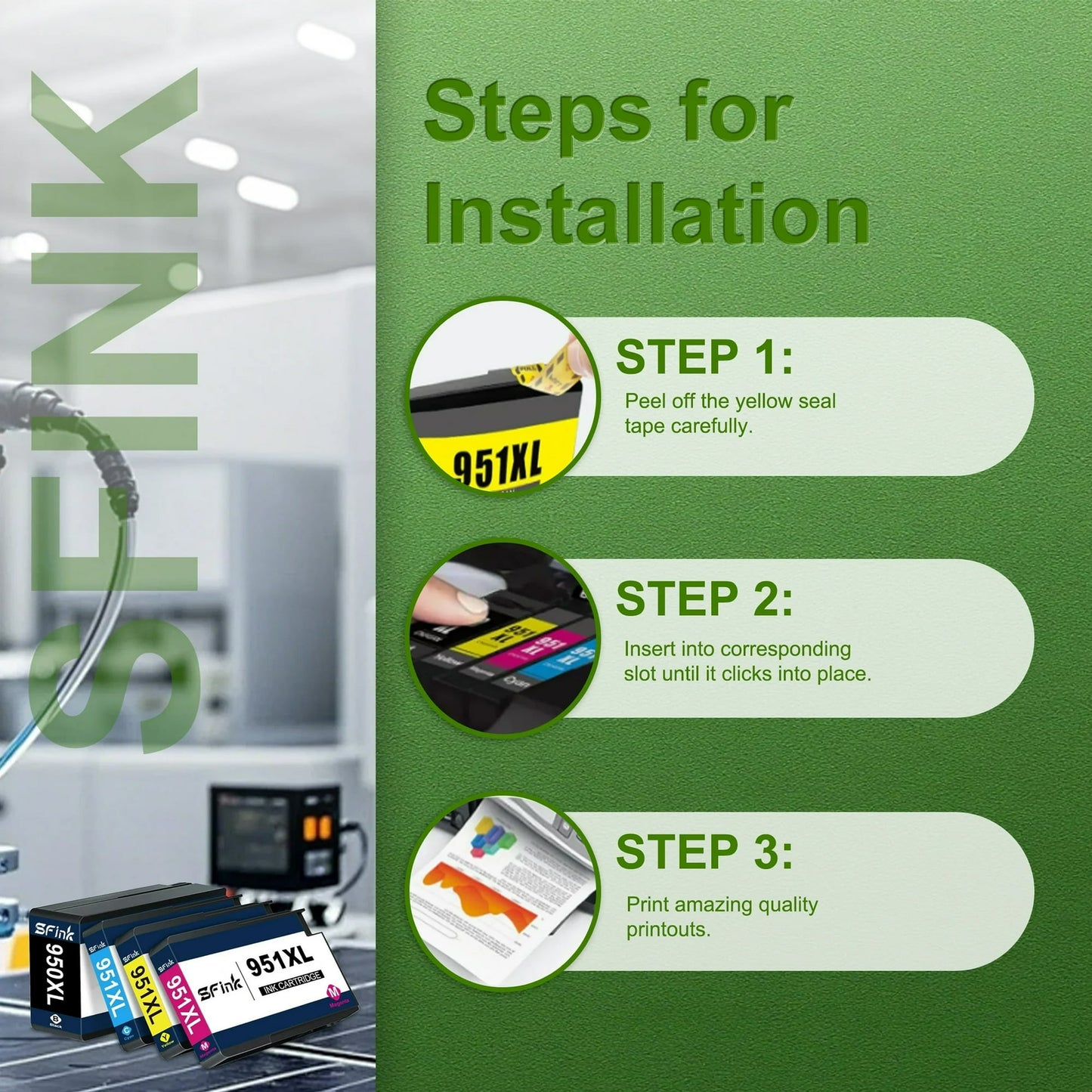
<b>🛠️Installation Instructions:<br /></b>
●Step 1:Take off the yellow tape.<br />
●Step 2:Do not remove the protective seal covering the ink port.<br />
●Step 3:Insert printer ink 950XL/951XL cartridge into its color-coded slot,making sure it is securely seated.<br />
⚠️ Don't touch and remove the chip.<br /><br />
<b>‼️Tips:<br /></b>
●If the printer display errors like "One or more cartridges are missing or damaged", please take off the cartridge and reinstall it to try again.<br />
●If prints come with fading color or broken line, please try to perform the printhead cleaning setting in the printer once or twice.<br />
<br />
<b>⭐Tips:<br /></b>
Please make sure your printer is correct before purchase, if the model is purchased incorrectly or there are other aspects of the problem can be contacted through Walmart, we will do our best to solve the problem for you, thank you for your purchase, I wish you a happy purchase!
Share